

router-view && keep-alive && transition
概览
由于Vue3中函数式组件的变更,RouterView组件与KeepAlive、Transition 共同使用时不再是简单的被它们包裹。相反,我们需要一个方式直接提供要被RouterView渲染的组件。
<router-view v-slot="{ Component }">
<transition :name="transitionName" mode="out-in">
  <component :is="Component"></component>
</transition>
</router-view>
动机
如在vuejs/core#906 中描述的那样,我们需要一个新的API允许KeepAlive和其他组件搭配RouterView 使用可以接收slot。为了实现上述的行为,我们需要用RouterView直接包裹要渲染的组件。唯一的方法是访问RouterView 渲染的组件和传递给组件的props。
详细设计
我们可以通过slot来实现:
<router-view v-slot="{ Component, route }">
<component :is="Component" v-bind="route.params"></component>
</router-view>在这个例子中,Component是一个可以传递给渲染函数h或者props is要求的组件。
当在route定义中定义了props: true:
createRouter({
    routes: [{path: '/users/:id', component: User, props: true}],
})router-view会自动将params中的id属性的值作为props传递给要渲染的组件。注意你也可不添加props: true 的声明,通过v-bind="route.params"传递给组件。
没有匹配到任何路由的用例
在当前的路由没有匹配到在router注册的任何record时,RouteLocation中matched数组将会是空的,而且router-view 并没有并没有为默认slot提供默认内容,所以不会渲染任何东西。当提供一个未匹配路由时的slot时,我们可以决定展示什么,是要显示Not Found的页面还是要显示默认行为,我们都可以做到。Component值为falsy时,不会展示任何组件:
<template>
  <router-view v-slot="{ Component, route }">
    <component v-if="route.matched.length > 0" :is="Component"/>
    <div v-else>Not Found</div>
  </router-view>
</template>注意这与在路由表中定义捕获所有路由path: '/:pathMatch(.*)来展示Not Found页面的行为是重复的。
WARNING
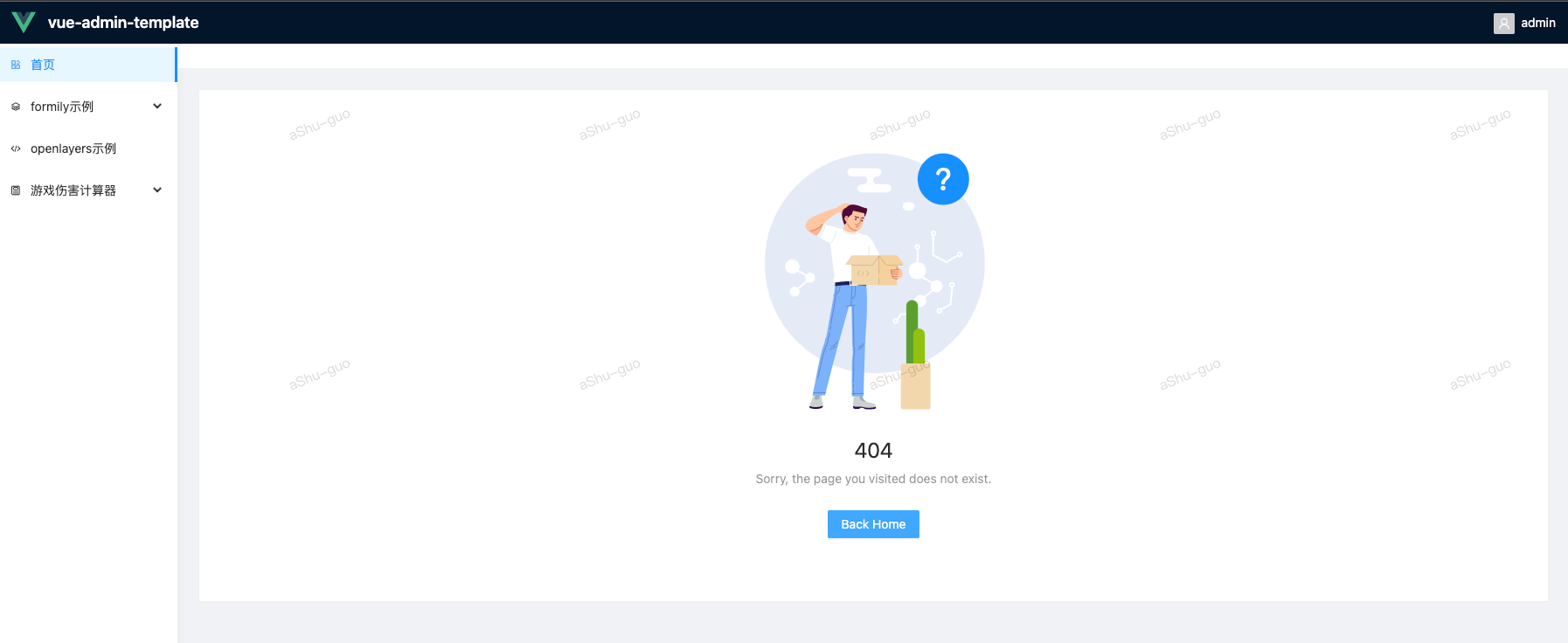
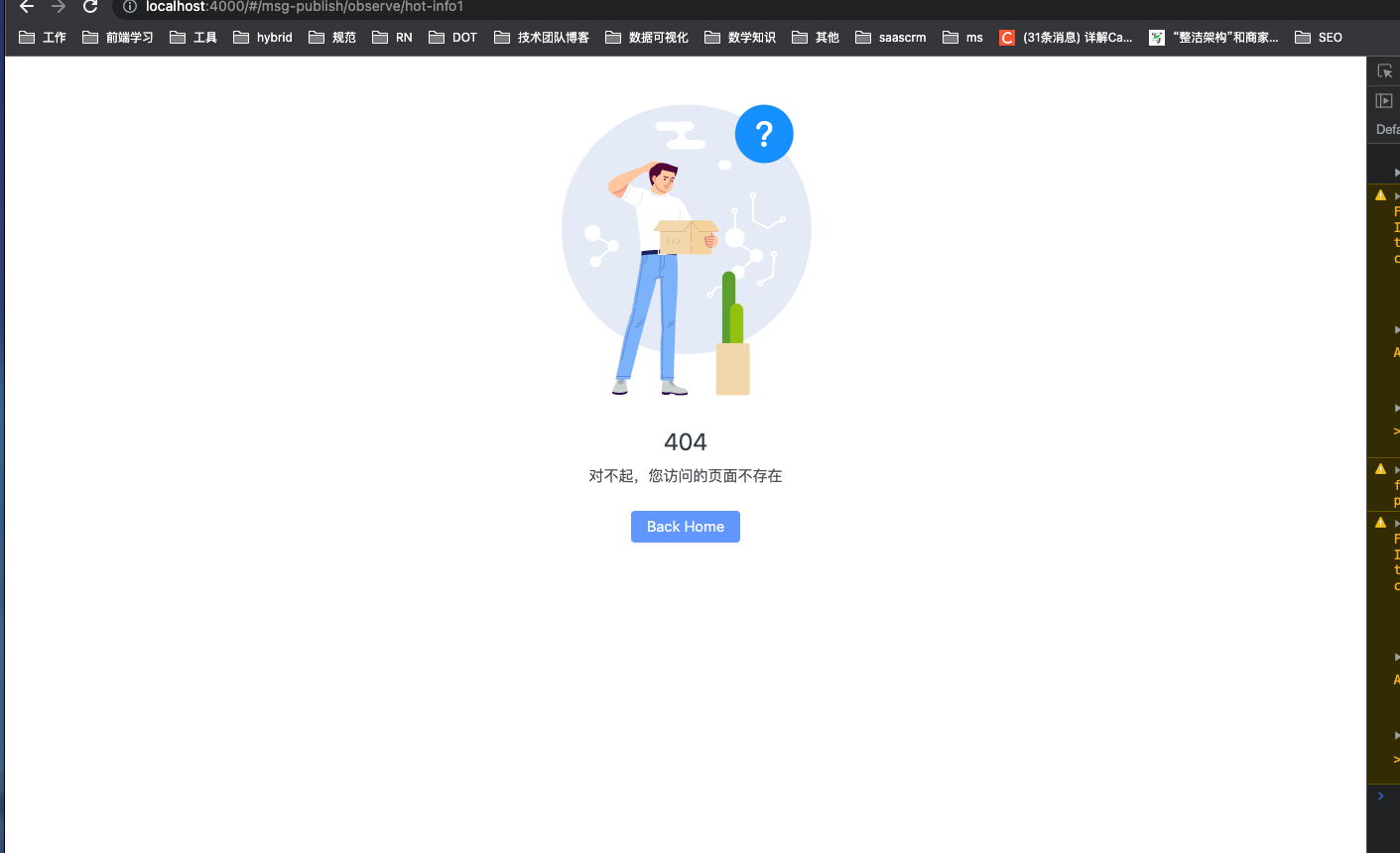
在router-view中如此使用,没有在路由表中定义path: '/:pathMatch(.*)更灵活。当使用前者时,由于在路由表中找不到要挂载的组件,会将整体替换v-else中的内容。 但是使用后者时,可以灵活改变Not Found组件渲染的位置。
使用前者时
使用后者时
v-slot属性
- Component:可以传递给渲染函数
h或者propsis要求的组件。 - route:被
RouterView渲染的标准路由RouteLocationNormalized。与$route相同,但是但允许在 JSX 中轻松进行类型化访问。
使用Transition或者KeepAlive包裹RouterView
如果有用户意外使用Transition包裹RouterView 或者迁移项目到Vue3,我们可以抛出警告信息引导用户阅读文档并且暗示他们使用v-slot。
同时使用Transition或者KeepAlive
当同时使用Transition或者KeepAlive时,我们需要先使用Transition,后使用KeepAlive
<template>
  <RouterView v-slot="{Component}">
    <Transition>
      <KeepAlive>
        <component :is="Component"></component>
      </KeepAlive>
    </Transition>
  </RouterView>
</template>
可替代方案
- 使用一个类似
useView的函数,返回Component和attrs属性,并移除RouteView中v-slot的用法
采取的策略
- 将vue-router3的代码模板基于vue-router4重写。